Skip to content

Practical tool guide

Build a sourced auction VIN history timeline

Combine dated records without confusing an auction listing, a title record and a VIN decode. Track mileage differences and gaps that need follow-up.

Give every observation a source

An auction photo, title document, service invoice and seller statement are different kinds of evidence. Add their dates and describe where each came from. A source can be a public URL or a private document reference such as service invoice dated May 2; do not paste passwords, owner addresses or sensitive account links.

Use the event date, not today's download date

An archived listing may have been downloaded this week but describe an event years earlier. Enter the actual record date when available. If the date is uncertain, resolve it before treating the item as a reliable chronological point. The tool requires a specific date and leaves interpretation to you.

Keep mileage units explicit

Record miles and kilometers exactly as shown. The comparison converts kilometers to miles using 1 mile = 1.609344 kilometers. It flags a lower later reading for review, not as proof of rollback. Data entry, units, instrument replacement and record errors can all require investigation.

Worked example: different units

An earlier record of 100,000 kilometers is approximately 62,137 miles. A later 65,000-mile observation increases rather than decreases. Entering the earlier number as miles would create a misleading discrepancy. Keep the original units beside each normalized value.

Title history and physical condition are separate

Use an approved NMVTIS provider or relevant state records for title-related research. NICB offers a limited participating-insurer lookup. Neither a missing record nor a tidy timeline establishes that a vehicle has no undisclosed damage. Independent inspection answers a different question from history research.

Make the gaps useful

For each unresolved item, ask for a specific document or explanation: the earlier listing, an instrument-replacement invoice, the relevant title document or inspection findings. A long gap is simply a gap in your evidence, not evidence that nothing happened.

Build your auction history timeline

Learn what NMVTIS includes

From research to the next step

Choose what happens after your research

Keep your free worksheet, then choose the product that fits your next step. Your worksheet is not submitted automatically.

Android + iPhone

Take the repair workflow with you

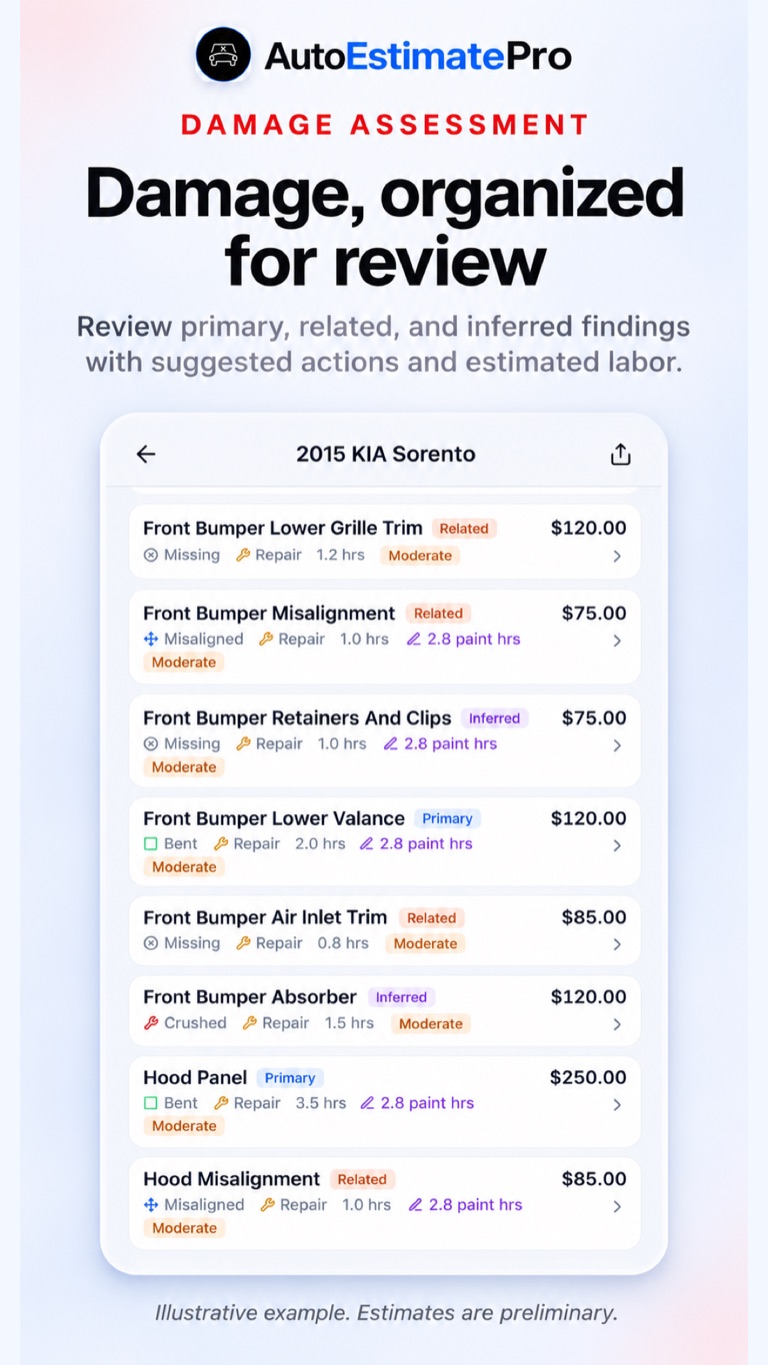
Illustrative AutoEstimatePro damage findings for reviewing current vehicle condition
Illustrative app screen. Sample findings and amounts are not a quote for your vehicle.

Bring current photos into a preliminary repair report, then review component findings, parts candidates and questions for your shop on Android or iPhone.

  • Photo-based preliminary reports with parts, labor and paint detail
  • Parts research and eligible AI Part Finder access
  • Saved reports and sharing for the next shop conversation
Download on the App StoreGet it on Google Play

AutoEstimatePro.com

Turn current photos into a repair report

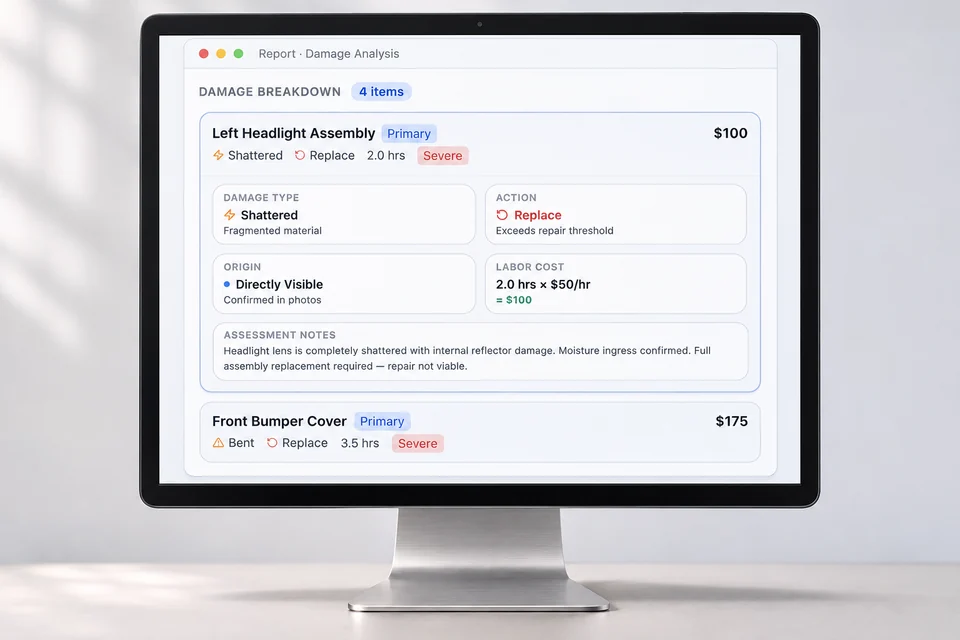
Illustrative device visual of the AutoEstimatePro web repair-report workflow
Illustrative device visual based on AutoEstimatePro’s public report example. Sample amounts are not a vehicle quote.

Continue on the web with vehicle details and damage photos for a preliminary report. Review the proposed scope before discussing it with a qualified repairer.

  • Itemized parts and labor for repair planning
  • Replacement-part sourcing candidates to verify
  • Auction buying and bid-planning context where applicable

For body shops

Bring photo intake into your shop website

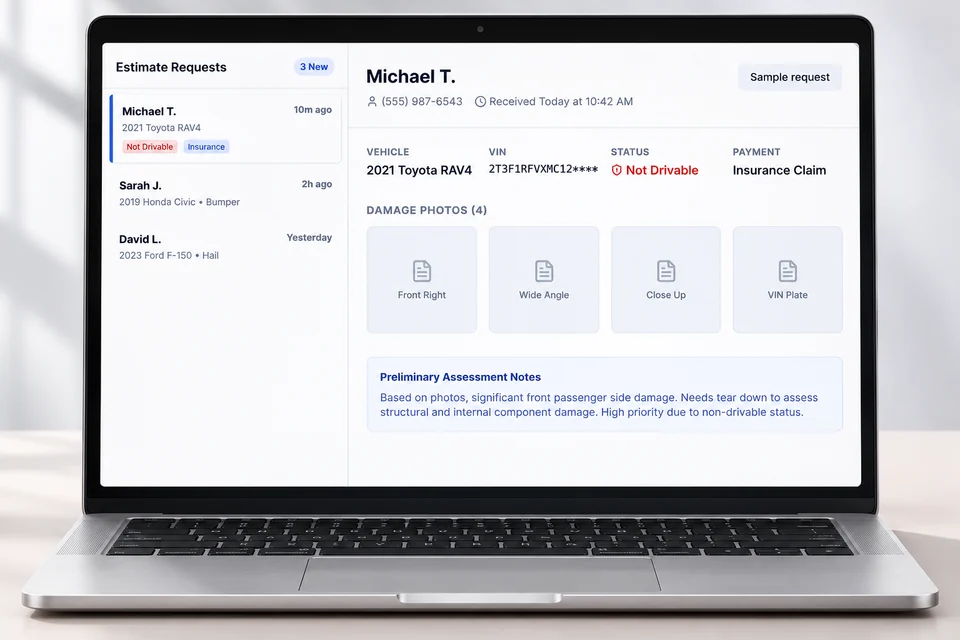
Illustrative device visual of the AutoRepairEstimate.ai body-shop photo and VIN intake workflow
Illustrative device visual based on the public shop demo. Names, vehicle details and requests are fictional.

AutoRepairEstimate.ai helps a body shop collect VIN and damage-photo submissions, organize a preliminary report, and follow up on the estimating inquiry.

  • VIN and photo intake for website visitors
  • Preliminary report context for the incoming lead
  • Your shop verifies the vehicle, repair scope and final quote

AutoEstimatePro LLC operates this site and these products. App downloads are free; reports and eligible features may require purchase. Preliminary reports do not replace inspection or final shop quotes.