Skip to content

Free buyer research tool

Auction VIN History Timeline Builder

Organize auction, title and service evidence by date. Compare miles and kilometers, flag mileage inconsistencies and export questions for the seller.

Your research workspace

Free tool · No account required. Organize auction, title and service evidence by date. Compare miles and kilometers, flag mileage inconsistencies and export questions for the seller.

Add dated auction, title, service, inspection or seller observations with original mileage units and a source URL or document reference. The builder sorts your entries and highlights lower later readings or changed title wording as questions to investigate. It does not fetch or verify vehicle-history records.

One mile equals 1.609344 kilometers. An earlier 100,000-kilometer record is approximately 62,137 miles; a later 65,000-mile reading therefore increases. Compare source dates, unit labels, instrument changes and possible transcription errors before drawing conclusions. Readings on the same date have no verified within-day order.

Missing readings remain unknown. The tool ignores differences up to one mile to reduce rounding noise. A timeline with no detected arithmetic discrepancy does not establish complete history, accurate odometer readings or a clean title.

  1. Add dated observations from records you have permission to use.
  2. Record mileage units, document wording and the source for each event.
  3. Review chronology flags and export unresolved questions.

This tool analyzes only the observations you enter. It does not search private databases, verify documents, establish fraud or provide a complete vehicle history.

Enable JavaScript to complete the interactive worksheet and download your brief. Your worksheet inputs are not automatically saved. The damage planner's optional AI questions clearly identify the categories sent to OpenAI.

Open Auction VIN History Timeline Builder · Build a sourced auction VIN history timeline · A mileage mismatch is a question to investigate, not a verdict

From research to the next step

Choose what happens after your research

Keep your free worksheet, then choose the product that fits your next step. Your worksheet is not submitted automatically.

Android + iPhone

Take the repair workflow with you

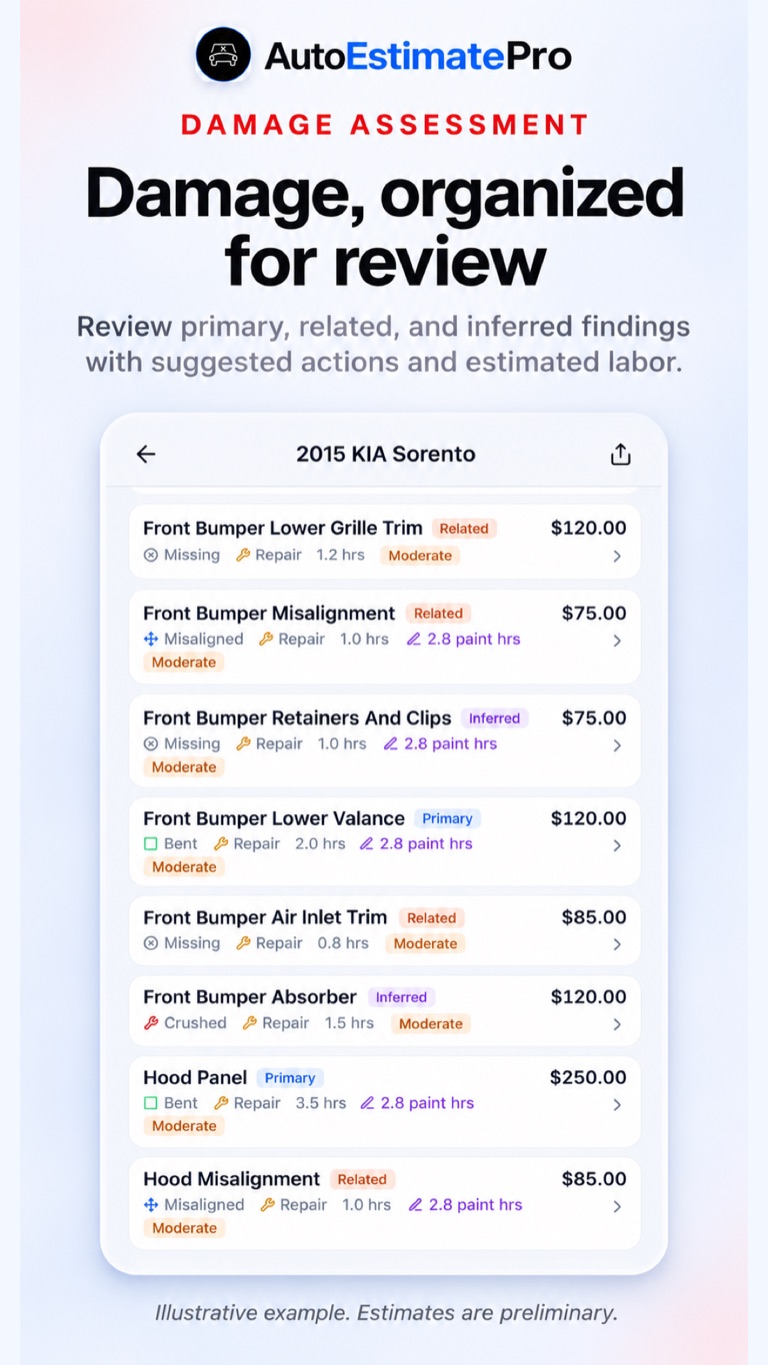
Illustrative AutoEstimatePro damage findings for reviewing current vehicle condition
Illustrative app screen. Sample findings and amounts are not a quote for your vehicle.

Bring current photos into a preliminary repair report, then review component findings, parts candidates and questions for your shop on Android or iPhone.

  • Photo-based preliminary reports with parts, labor and paint detail
  • Parts research and eligible AI Part Finder access
  • Saved reports and sharing for the next shop conversation
Download on the App StoreGet it on Google Play

AutoEstimatePro.com

Turn current photos into a repair report

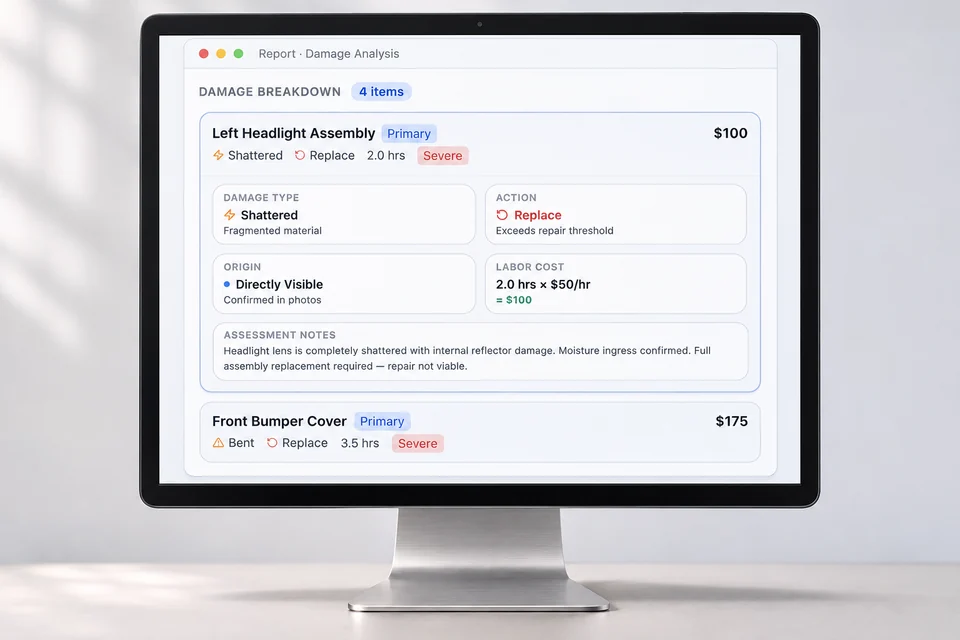
Illustrative device visual of the AutoEstimatePro web repair-report workflow
Illustrative device visual based on AutoEstimatePro’s public report example. Sample amounts are not a vehicle quote.

Continue on the web with vehicle details and damage photos for a preliminary report. Review the proposed scope before discussing it with a qualified repairer.

  • Itemized parts and labor for repair planning
  • Replacement-part sourcing candidates to verify
  • Auction buying and bid-planning context where applicable

For body shops

Bring photo intake into your shop website

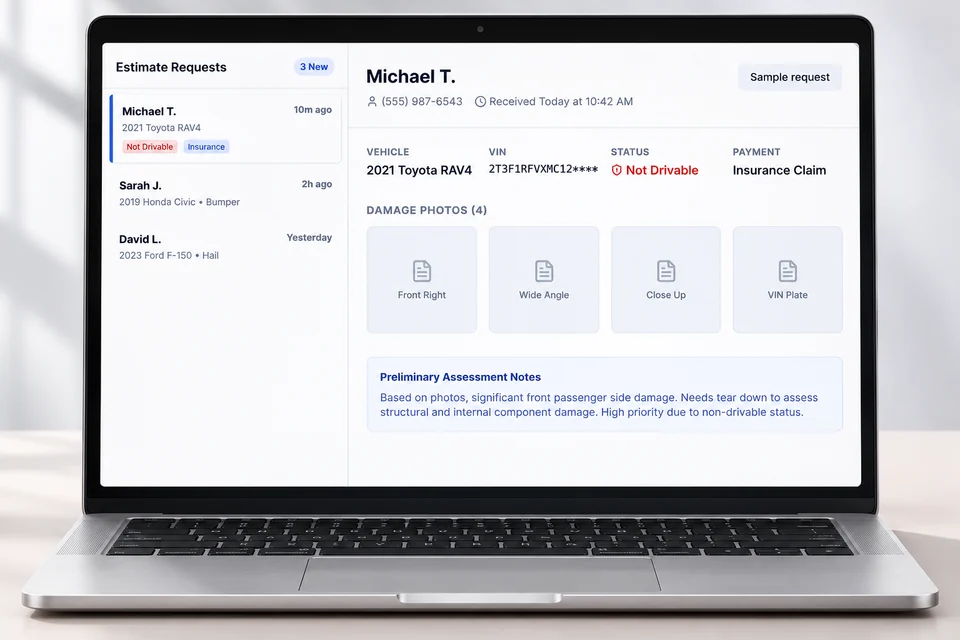
Illustrative device visual of the AutoRepairEstimate.ai body-shop photo and VIN intake workflow
Illustrative device visual based on the public shop demo. Names, vehicle details and requests are fictional.

AutoRepairEstimate.ai helps a body shop collect VIN and damage-photo submissions, organize a preliminary report, and follow up on the estimating inquiry.

  • VIN and photo intake for website visitors
  • Preliminary report context for the incoming lead
  • Your shop verifies the vehicle, repair scope and final quote

AutoEstimatePro LLC operates this site and these products. App downloads are free; reports and eligible features may require purchase. Preliminary reports do not replace inspection or final shop quotes.

A useful next step before you commit

  1. Step 1

    Add dated observations from records you have permission to use.

  2. Step 2

    Record mileage units, document wording and the source for each event.

  3. Step 3

    Review chronology flags and export unresolved questions.

Turn your research into a repair plan

AutoEstimatePro LLC operates this site and AutoEstimatePro. Continue with vehicle photos for a preliminary itemized repair estimate; reports may require purchase. Inspection and final shop pricing remain separate.